Coach-Assigned Rating Tools Setup
- Download and install My DUPR Coach App on your phone
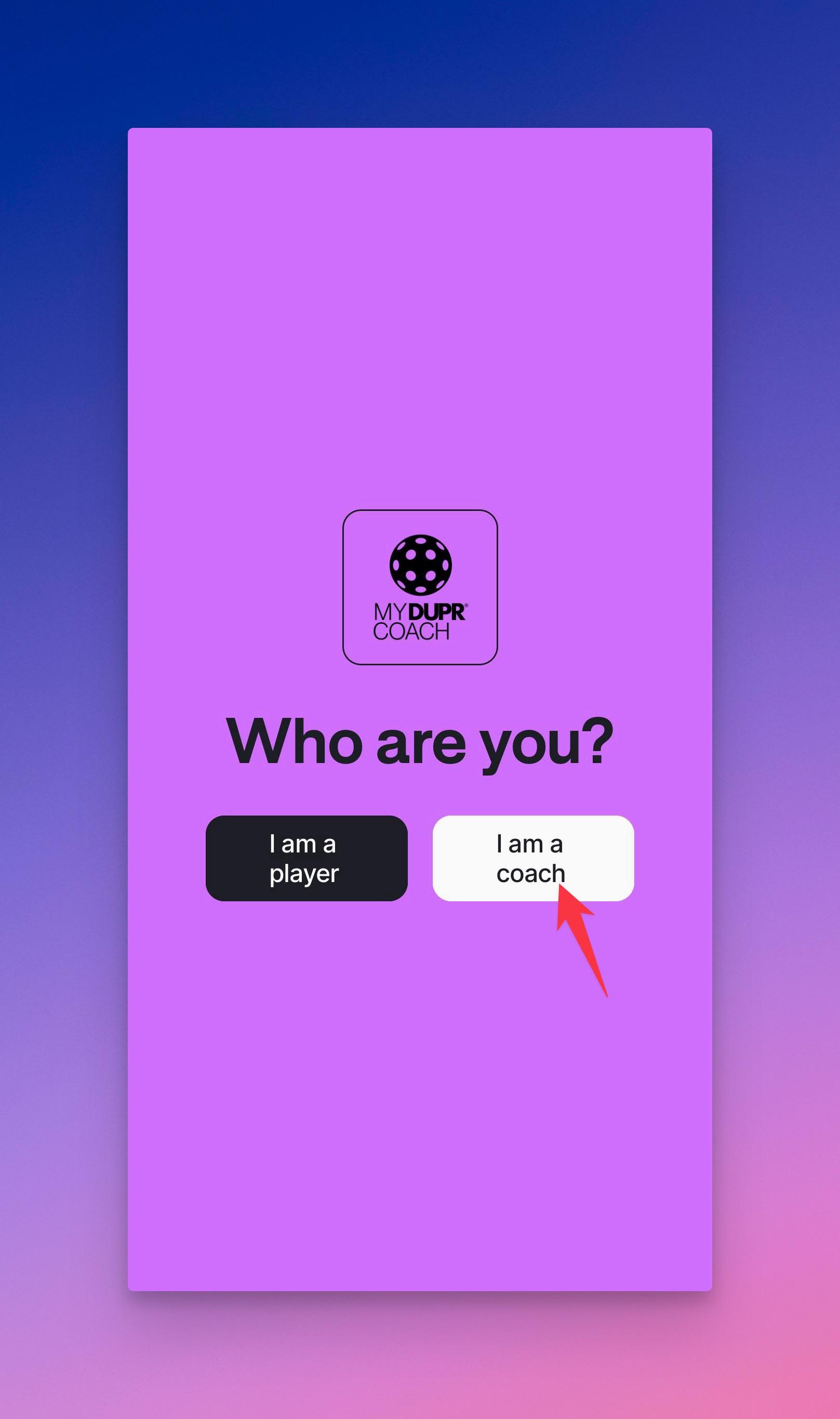
- Open the app and when prompted select
I am a coachas shown in the image below
Important
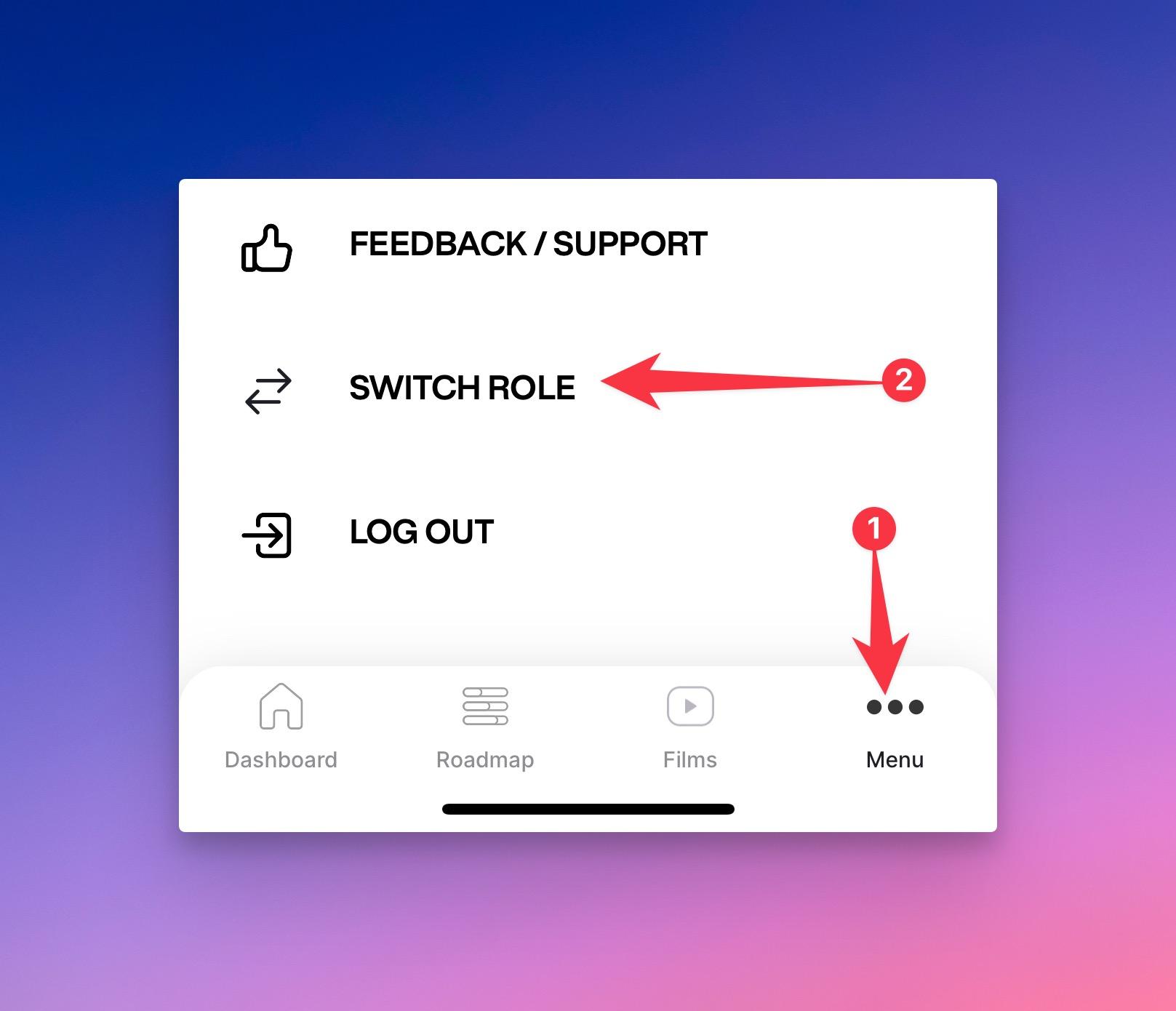
If you selected the wrong role, you can use the "Switch Role" menu item inside the "Menu" screen of the app.
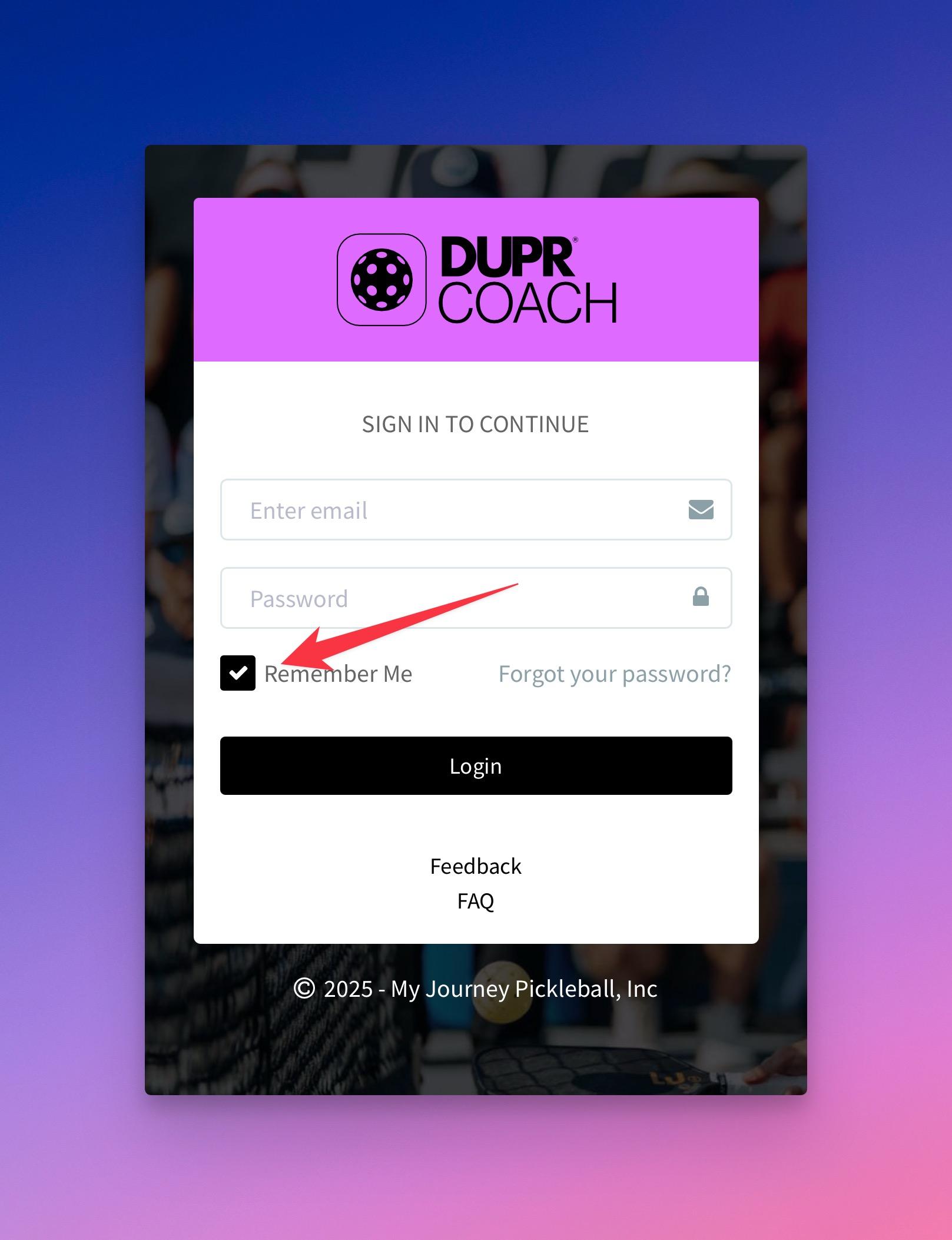
- On the login screen, enter your email and password and click on the "Login" button
info
Make sure the "Remember me" checkbox is checked as shown in the screenshot below.